1
What is IPTV and how does it work?
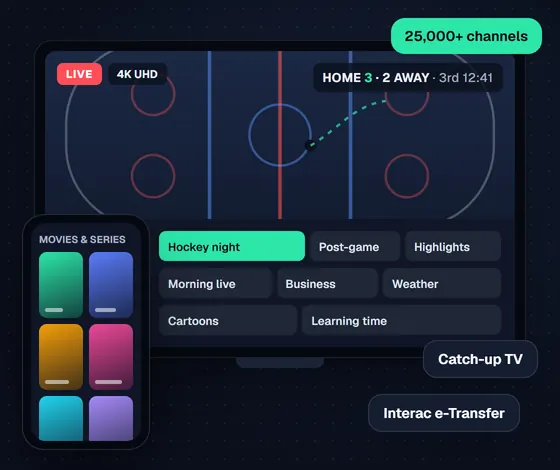
IPTV (Internet Protocol Television) is a way to watch TV through your internet connection instead of a cable or satellite dish. With IPTV Canada, live channels, movies and shows travel over your home internet straight to your Smart TV, phone, tablet or computer. You install an app, sign in, and you get a channel list and TV guide that looks a lot like cable, without the cable box or the contract. Because it runs on the internet you already pay for, the same IPTV subscription also works when you travel inside Canada.
2
Can I use IPTV on multiple devices at once?
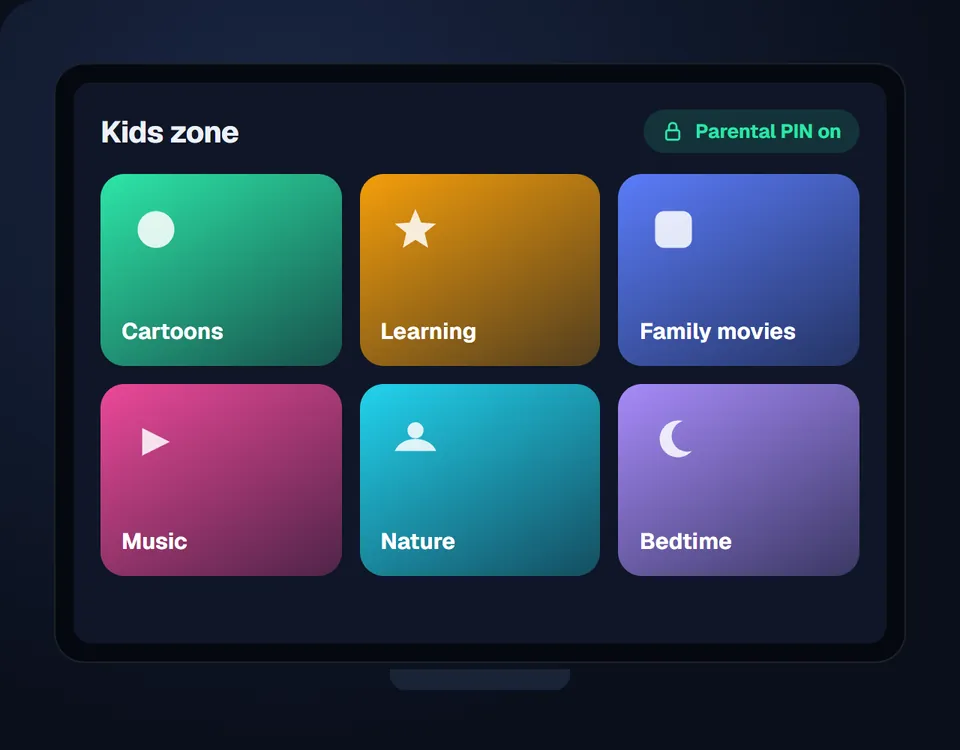
Yes. Choose 1 to 5 devices when you order, and that many screens can watch at the same time. The kids can watch cartoons in the basement while the game is on in the living room. You can install the app on more devices than that; only the number playing at the same moment counts.
3
Is IPTV legal in Canada?
IPTV itself is simply a technology, and it is legal in Canada: several big Canadian TV providers deliver their own service this way. What matters is whether the channels are distributed with the rights holders' permission. IPTV Nord does not host or store any content. Read our legal disclaimer and plain-English guide to IPTV and Canadian law before you subscribe to any service.
4
What internet speed do I need for smooth streaming?
You need about 10 Mbps for each screen watching in Full HD and 20 to 25 Mbps for each screen in 4K. What matters just as much is a stable connection: a TV plugged into the modem with an Ethernet cable will beat a faster plan on weak Wi-Fi. Enter how many screens your home uses at the same time:
We count 5 Mbps per HD stream, 10 Mbps per Full HD stream and 25 Mbps per 4K stream, plus 5 Mbps of headroom for phones and other devices in the house.
5
How do I activate my IPTV subscription on my device?
Make sure the device is connected to the internet, install the IPTV app from our installation guide, then enter the username, password and server address we send you by email. The channel list loads in a minute or two. If anything looks wrong, send us a message in Live Chat and we fix it with you.
6
How can I renew or upgrade my IPTV subscription?
Before your plan ends, go to pricing, pick a plan and choose Extend subscription at checkout. We add the time to the login you already have, so nothing changes on your TV. To add devices, choose the higher device count and we upgrade the same account.

 Interac e-Transfer